Direct from Circle
Your app.
A few simple steps away.
Choose your app, check out securely, and we’ll help you add it to your device. Then open its icon whenever you need it.
Choose your app
See what it does, what it costs, and which devices it supports.
Check out securely
Stripe handles your payment. Circle confirms your access.
Add it to your device
Follow the steps for your device, then open your new app icon.
No Apple App Store or Google Play account is needed for your Circle purchase.
Each app has its own icon. If you choose Blurt, you’ll add the Blurt icon. Tap it to open Blurt.
Follow these steps on your chosen app’s installation page. This page is the general guide.
Some products use a separate Mac download. Your product page shows the devices supported and the right way to install.
iPhone · Safari
Share. Add. Open.
In Safari, open your chosen app’s installation page. You’ll see that app’s name and icon.
Pictures show iOS 27 in English. Tap a picture to see it larger.
Tap Share.

Don’t see Share?
Tap the small menu beside the website address, then Share.
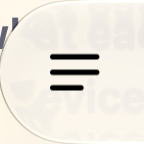
Some versions show More (•••) instead.
Tap Add to Home Screen.

Don’t see Add to Home Screen?
Tap View More if you see it, or scroll down.
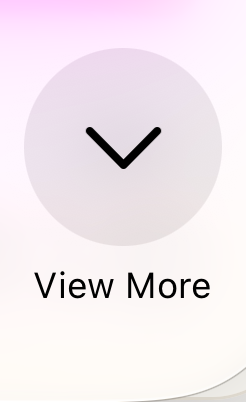
Still missing? Tap Edit Actions and add it.
Tap Add.

Leave Open as Web App switched on if it appears.

Tap your new app icon to open your app.
Already have the app?
Choose “Already have access?” on your app’s page. Use the same email to open your app or move it to a new phone.
Android · Chrome
Menu. Install. Open.
In Chrome, open your chosen app’s installation page. You’ll see that app’s name and icon.
Pictures show English buttons. Tap a picture to see it larger.
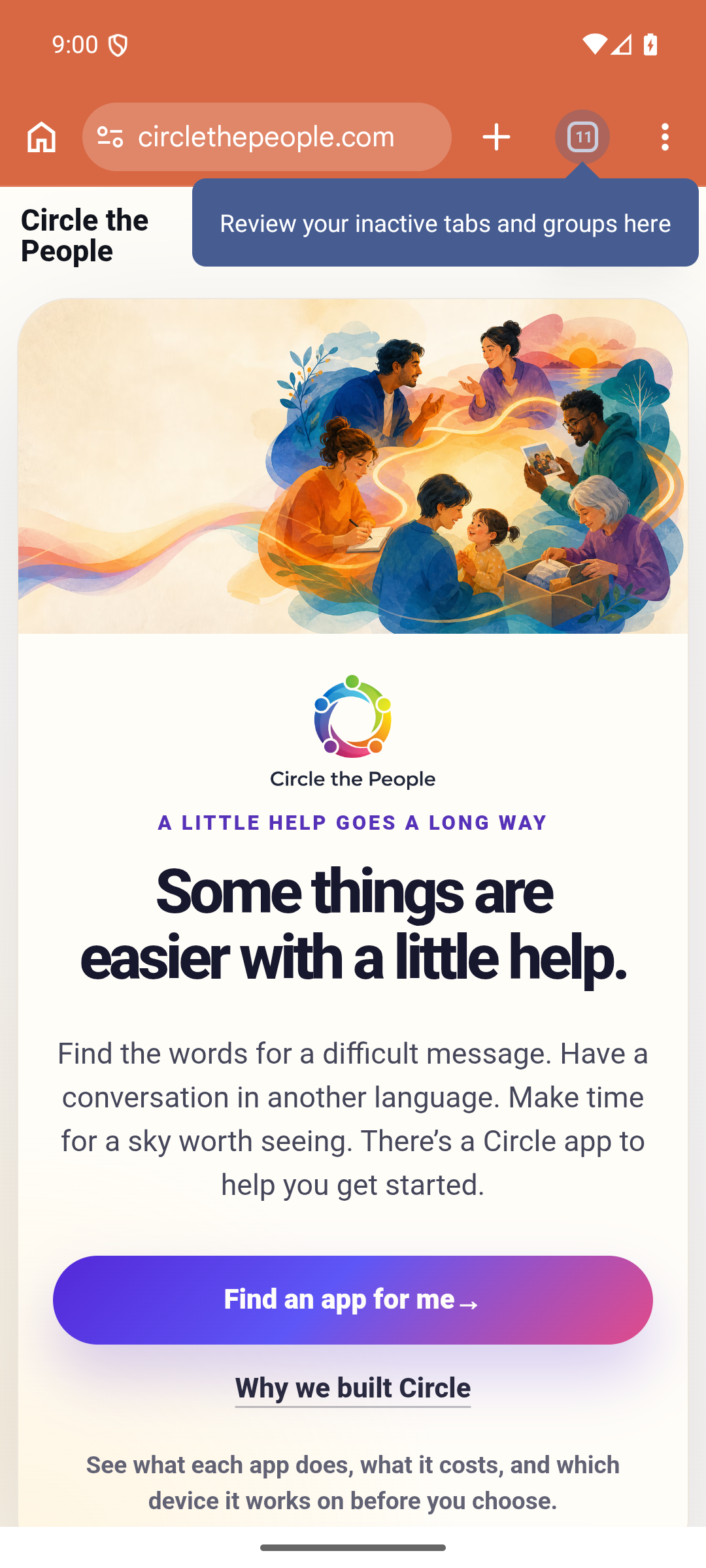
Tap the three dots (⋮).
Choose Install and create shortcut.
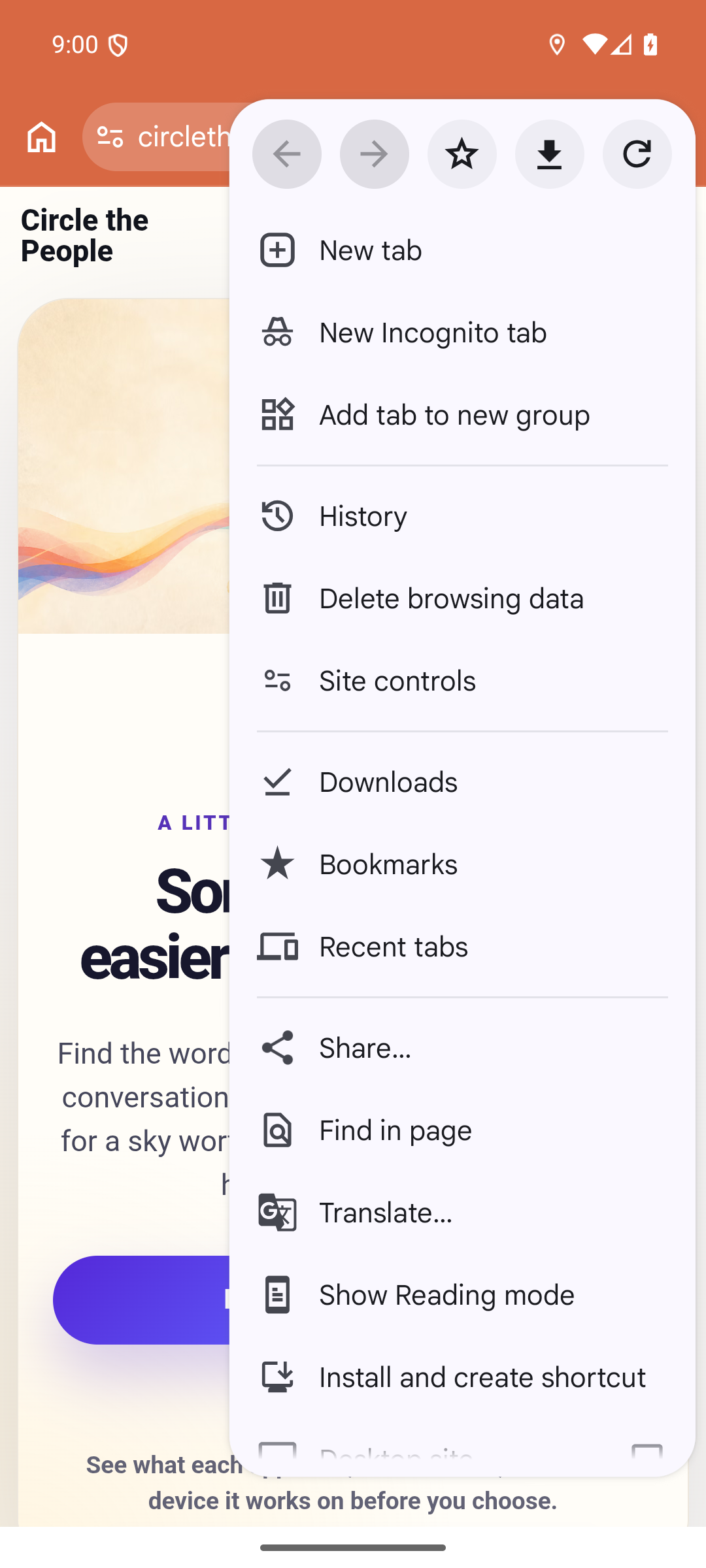
See different words?
Your phone may say Install app or Add to home screen instead.
Tap Install.
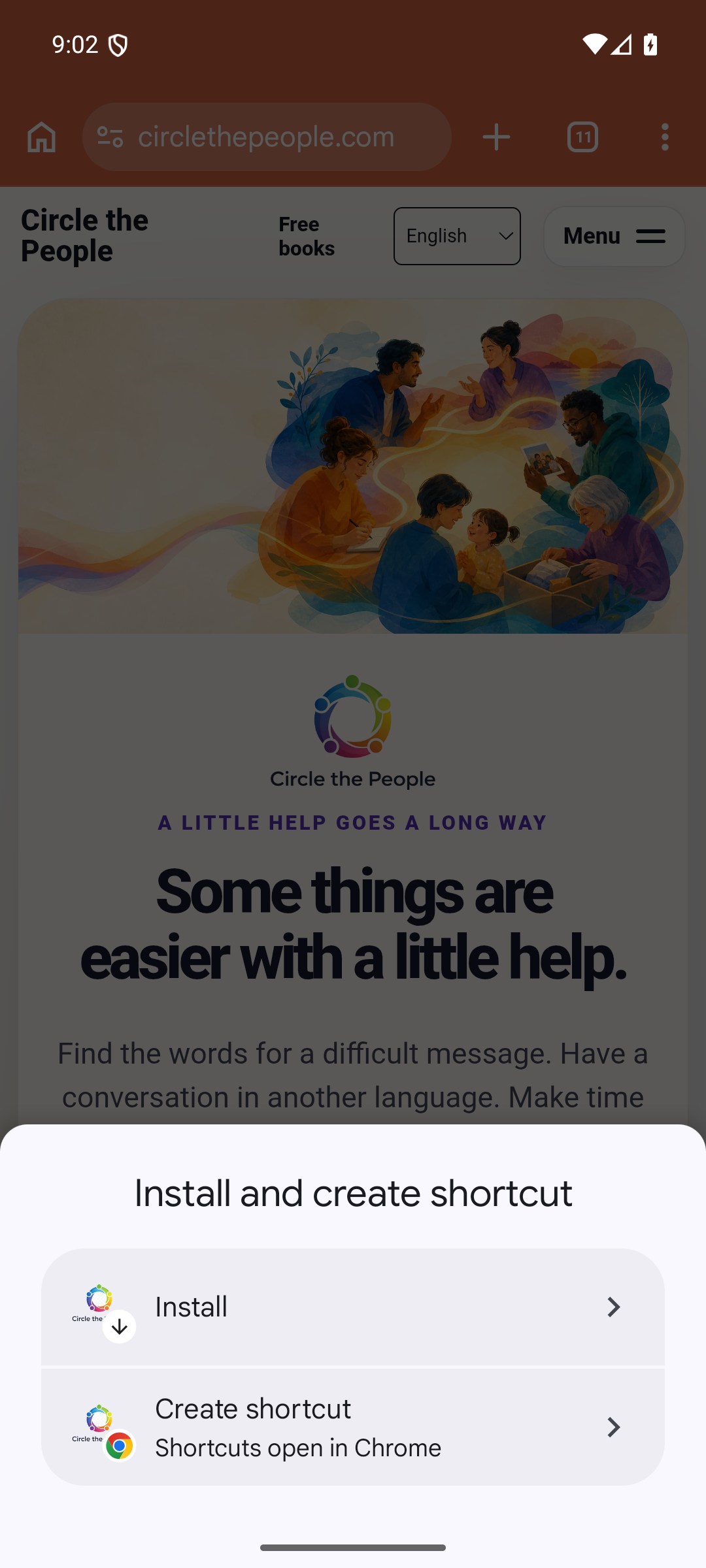
Confirm Install if asked, then open your new app icon.
These pictures show the buttons to look for. Your installation will show your chosen app’s name and icon.
How to install on Windows
For an app that supports Windows, open its verified installation link in Microsoft Edge or Chrome. Install from the app’s setup screen so the new icon opens the app.
- In Edge, open the three-dot menu, then More tools → Apps → Install this site as an app. In Chrome, choose Cast, save, and share → Install page as app. An install icon may also appear in the address bar.
- Confirm Install, then open the new app icon. Follow any remaining secure access prompts.
- Close the app and reopen its icon to check that it opens in its own window. Use Save PDF to keep reports as independent files.
Doodle testers: use the private preview installation link supplied for your test. Doodle’s public Mac ZIP does not install on Windows or Android. Windows and phone availability will be announced after device checks pass.
Microsoft’s Windows installation guide · Google’s desktop installation guide
Why we build this way
Independent distribution
We can distribute our web apps directly and make improvements without an App Store review for each web update.
Costs we can manage
Our own web checkout helps us manage payment and distribution costs. You see the price and terms before choosing a plan.
Quicker improvements
We can publish fixes and improvements through our servers. You do not need to find a new App Store release for each change.
An icon you can keep close
For our PWAs, installation happens in your browser. No App Store account is needed to add the app to your Home Screen.
More ways to reach you
Web technology can serve phones, tablets and computers. Availability and features still depend on the particular app, device and browser.
A direct relationship
We manage your Circle account, subscriptions and support ourselves. When you need help, you can contact us directly.
How updates reach your app
Updates arrive through the web when your device is connected. An app may wait until you finish an activity, ask you to refresh, or update when you reopen it. An offline device cannot receive a new version immediately.
What a web app can and cannot do
Our PWAs use secure HTTPS connections and browser technology, including service workers where supported. They can feel like native apps, but iOS still controls permissions and device access.
A PWA does not have unrestricted access to your Contacts, Messages, background processing or system functions. Features needing deeper device access may require a native app. Check the product page for the features and devices supported today.
Read this in your language
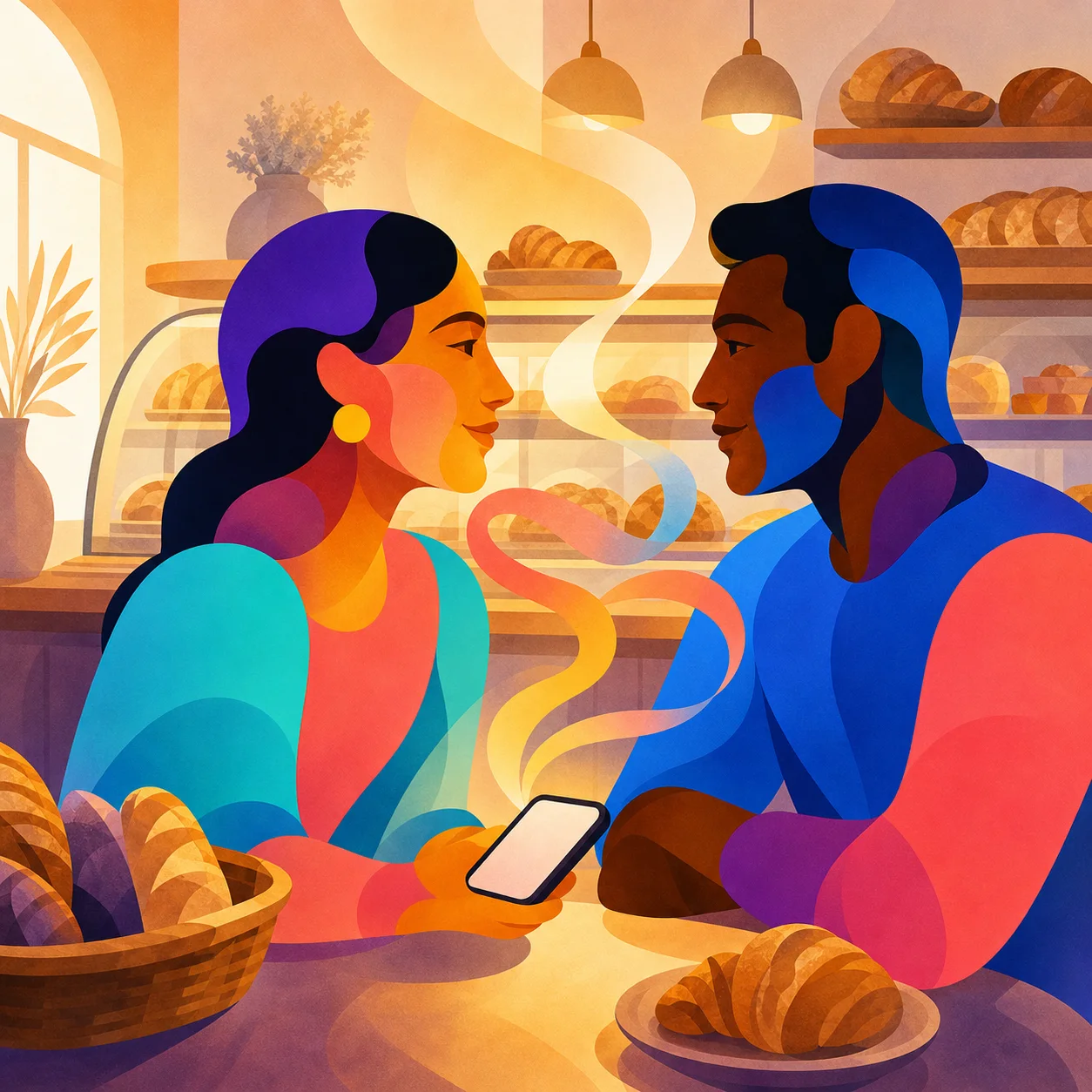
Use the language menu at the top of this page for English, French, Spanish or Simplified Chinese. The same choices are available in the footer.
For another language, try your browser’s page translation. In Safari on iPhone, open the Page Menu and choose its translation option when available. Supported languages vary; automatic translation can miss details.
Our philosophy
Build once. Distribute directly. Keep improving. Stay close to the people who use it.